
Document Control and Management.
Singlepoint’s Next Generation Document Control is designed for the way today’s businesses need to work. Systemic control, secure access and in-built compliance. All with a simple and intuitive end-user experience.



Transform fragmented workflows
Streamline document control with Singlepoint’s intuitive software. Automate, centralise and access powerful features like version control, search functionality and global properties.
Integrated with generative AI, Singlepoint helps users rapidly translate, create and update content at scale.
Streamline quality processes
Efficient document management is the backbone of a robust Quality Management System. Singlepoint ensures your team always has access to accurate, up-to-date information, minimising errors and non-conformances.
Centralised document control is crucial for demonstrating compliance and driving continuous improvement. With Singlepoint, you can streamline quality processes, boost collaboration and enhance overall efficiency, all while maintaining a strong commitment to quality.
Create a single source of truth
Our comprehensive range of workflow management and customisation options ensures you can migrate any existing document or process into a single, globally accessible system.
Singlepoint also allows you to track every user action to reduce compliance and audit risks while enabling continuous improvement throughout every aspect of your business.
Flexible and scalable
Gain complete control over every piece of information in your organisation with clearly defined permissions structures and mass update capabilities.
Share documents seamlessly across thousands of users with global portal management, mass document registration and document groups.
Documents can also be secured with an inbuilt watermarking feature which allows you to display labels on the PDF such as “uncontrolled if printed” alongside system data such as version, number date and document owner.
User friendly
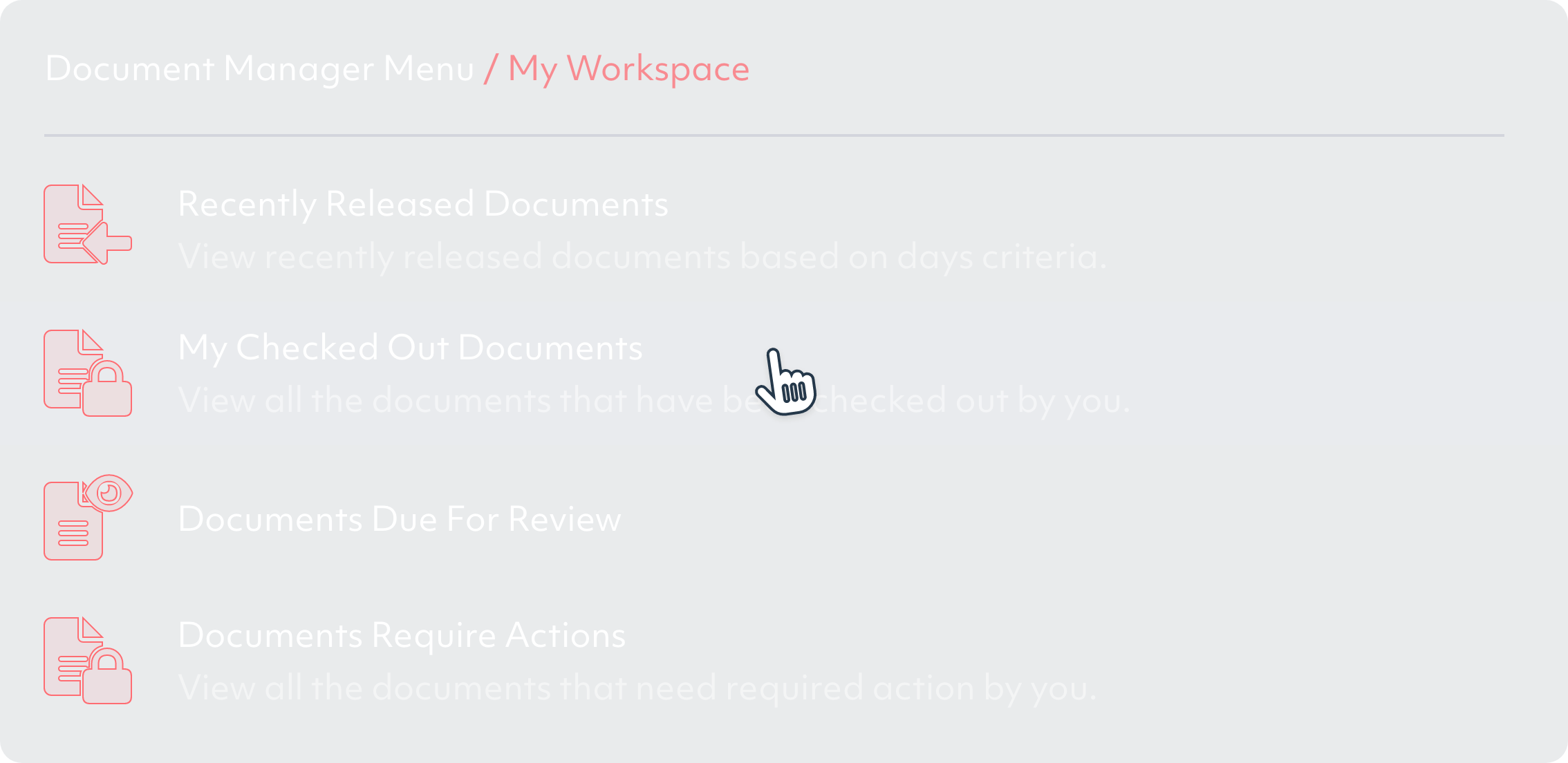
Our unique Visual Navigator allows employees to access and navigate complex information through an image-based interface, bringing documents and processes to life.
The clean and accessible user interface ensures employees with any level of digital experience can quickly access key information.
Singlepoint simplifies tracking and evidencing employee document engagement through access logs, competency trackers and links to the training management module.


Safe and Secure
Singlepoint employs advanced security features like encryption, multi-factor authentication and granular access control to keep your sensitive information safe.
With a detailed audit trail that details document access history, system actions, version history and timestamps, you can have peace of mind knowing your documents are secure and compliant.
Inside Singlepoint DM
Search
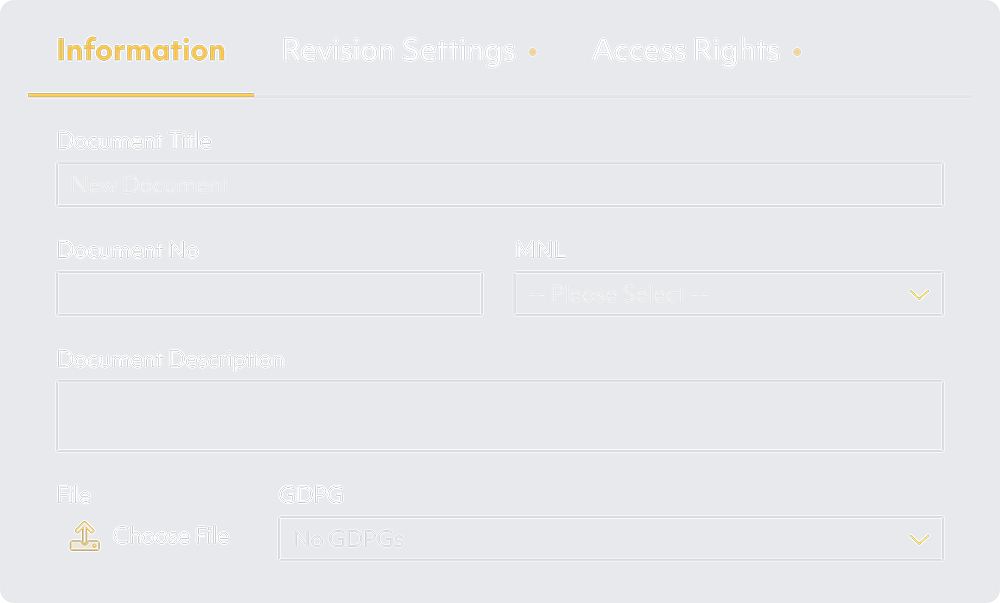
Easily find the documents you need with powerful search capabilities that allow you to search by keywords, metadata and more.
Store
Securely store all your documents in a centralised repository, ensuring everyone can access the most up-to-date versions.
Version Control
Keep track of document changes and revisions with automated version control, ensuring users have access to the latest, approved version.
Workflow management
Streamline your document workflows with customisable approval processes, automatic notifications and task assignments. Use in-built workflows or build your own.
Access control
Granular access control ensures that only authorised users can access, edit, or distribute specific documents. Approval is carefully controlled throughout the document lifecycle.
Audit Trail
Maintain a complete history of all document-related actions, including creation, modification, access and version changes.
Mass Registration
Efficiently handle large volumes of documents with our new Mass Registration Function. Integrate the GDPG feature and register documents with the necessary metadata settings.
Revision compare
Compare different versions of a document, including draft versions, with ease. Our Revision Compare feature supports over 90+ file types.
AI Integration
Leverage the power of Generative AI in two modes: ‘New Document’ and ‘Document Summary.’ Draft documents using AI and create concise, AI-generated summaries as attachments.
Document Translation
Translate and download documents in various formats using our updated Document Translation feature. Available in 133 languages.
Singlepoint vs. shared folders
Structured metadata for easy categorisation
Folder-based hierarchy, limited metadata options
Powerful, full-text search across all documents and metadata
Basic file name, content and folder search
Ensures users access only the latest approved document revisions and eliminates the risk of outdated copies
Manual version control, risk of overwriting changes
Granular, role-based access control for documents and folders
Limited access control, often managed at the folder level
Real-time collaboration, commenting and annotations
No built-in collaboration features rely on external tools
No code drag-and-drop workflow builder
No built-in workflow management, manual processes
Built-in compliance features for ISO 9001, FDA and more
No built-in compliance features, manual compliance efforts
Designed to handle large volumes of documents and users
Limited scalability, performance issues with large file structures
Built-in revision comparison for 40+ file types
No revision comparison, manual file comparison
Built to drive compliance
For regulated industries
Singlepoint is built with compliance at its core. Developed in collaboration with Quality, Environmental and Health & Safety experts, our system delivers process visibility, control and audit trail maintenance, ensuring alignment with your operational goals and compliance requirements.

Trusted by global leaders
Some of the world’s biggest companies have used Singlepoint for over a decade to manage and control business-critical documentation.
That’s because Singlepoint DM has always had the power to perform, the power to handle huge numbers of both documents and users, quickly and intuitively.
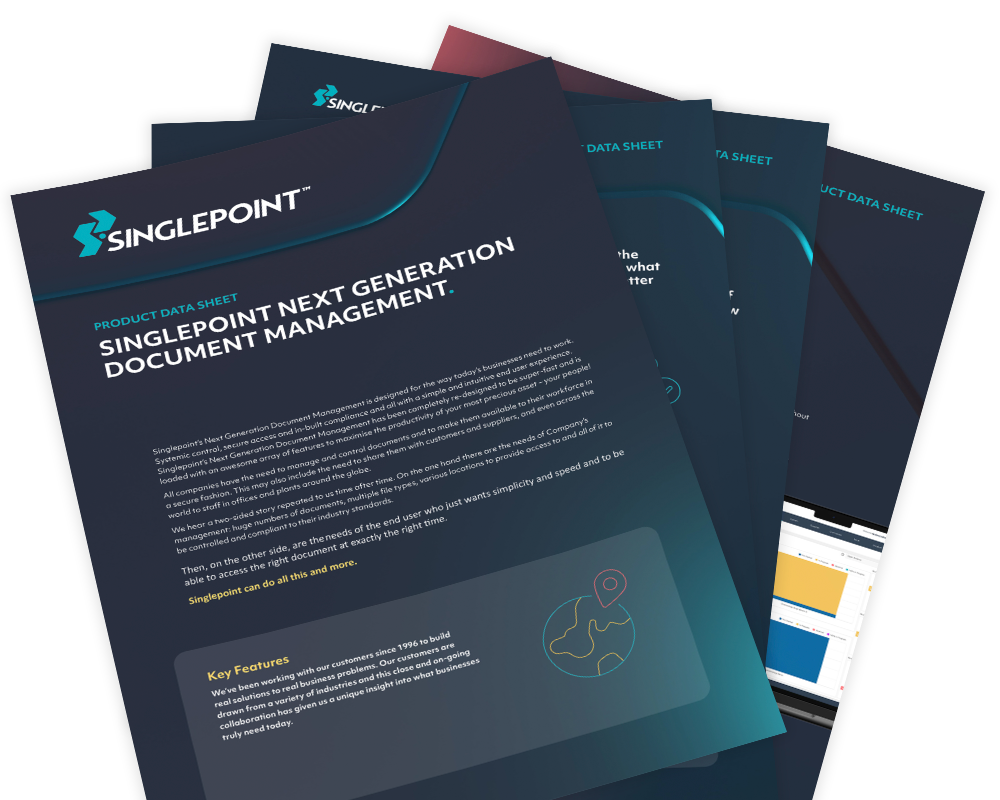
Get our Document Control & Management factsheet
Download our factsheet to learn more about how Singlepoint’s quality management software can help you.
View our case studies
CooperVision: Transforming a manual complaint process
Discover how CooperVision transformed its customer complaint handling from a cumbersome manual ordeal into a dynamic, automated system with the integration of Singlepoint, boosting efficiency and visibility across the board.
KRG: Reduced costs and improved reporting with Singlepoint
As one of the UK’s top precision engineering firms, KRG Engineering faced steep administration costs that threatened its operational efficiency. Enter Singlepoint QMS, which, with its suite of advanced modules, transformed the firm’s approach.
NGF: A decade of support
NGF Europe Ltd are one of the world’s largest manufacturers of glass and glazing products for architectural, automotive and established creative technology markets.
Acdopro: Document Control, Issue, Calibration & Visual Navigator
Acdopro have been using Singlepoint since May 2020. They specialise in the manufacture of laundry products exported to over 75 countries, under well-known trademarks such as Dr. Beckmann, Glo white, Stain Devils and ACDO.
FAQs
What is the difference between document management and document control?
Document management is the wider process of storing, organizing and retrieving documents.
Document control is more specific and focuses on approvals, version control, access and making sure people use the correct document.
How does dedicated document control software compare to using SharePoint or Google Drive for document management?
SharePoint and Google Drive are useful for file storage and collaboration, but dedicated document control software is built to manage approvals, revision status, audit trails and controlled distribution. That makes it a better fit for businesses that need stronger governance and compliance.
What should I look for when choosing document control software for a manufacturing or regulated business?
Look for features such as revision control, approval workflows, audit trails, permissions and strong search functionality.
In a regulated or manufacturing environment, the software should also help ensure people can quickly access the latest approved version.
Does Singlepoint Document Control integrate with ERP systems such as SAP or Microsoft Dynamics?
Yes. Singlepoint integrates with ERP and MRP systems, including SAP, and supports wider integration requirements, including Microsoft Dynamics, through its fully published REST API framework.
How does Singlepoint Document Control support compliance with ISO 9001:2015 clause 7.5 (Documented Information)?
Singlepoint supports ISO 9001:2015 clause 7.5 by helping businesses control documented information through revision control, approval workflows, access permissions and audit trails. It helps make sure documents are properly managed, easy to retrieve and protected from unauthorised change.
Can Singlepoint Document Control support compliance with multiple standards simultaneously, such as ISO 9001 and ISO 14001?
Yes. Singlepoint Document Control can support multiple standards within a single system, helping organisations manage documents, approvals, and compliance requirements across different management systems.
We are a manufacturer working towards ISO 9001 certification for the first time. How would a document control system help us meet the documented information requirements?
It provides a controlled process for creating, reviewing, approving, distributing, and maintaining documents. This helps ensure documented information is accurate, accessible, and audit-ready for ISO 9001 certification.
What is the risk of relying on shared drives like SharePoint for document control in a regulated environment, and when does this become a compliance problem?
The risk is that shared drives are often used as storage tools rather than fully controlled document systems, which can lead to weak revision control, inconsistent approvals and poor traceability. It becomes a compliance problem when the business cannot prove that documents are controlled, current and only available to the right people.