Training Management.
Singlepoint Training Management gives you a real-time view of each employee’s skills, qualifications, completed courses and pending learning objectives, aligned with the requirements of their role. Identify training gaps, track current and lapsed requirements and maintain the records you need to manage workforce competency and compliance.
Manage training and workforce requirements
Singlepoint Training Management brings your workforce training requirements and records together, making it easier to monitor current needs and manage transitions between roles or work areas. See where training is complete, outstanding or expired so you can take action before gaps become a compliance or operational issue.
Track, record and plan training
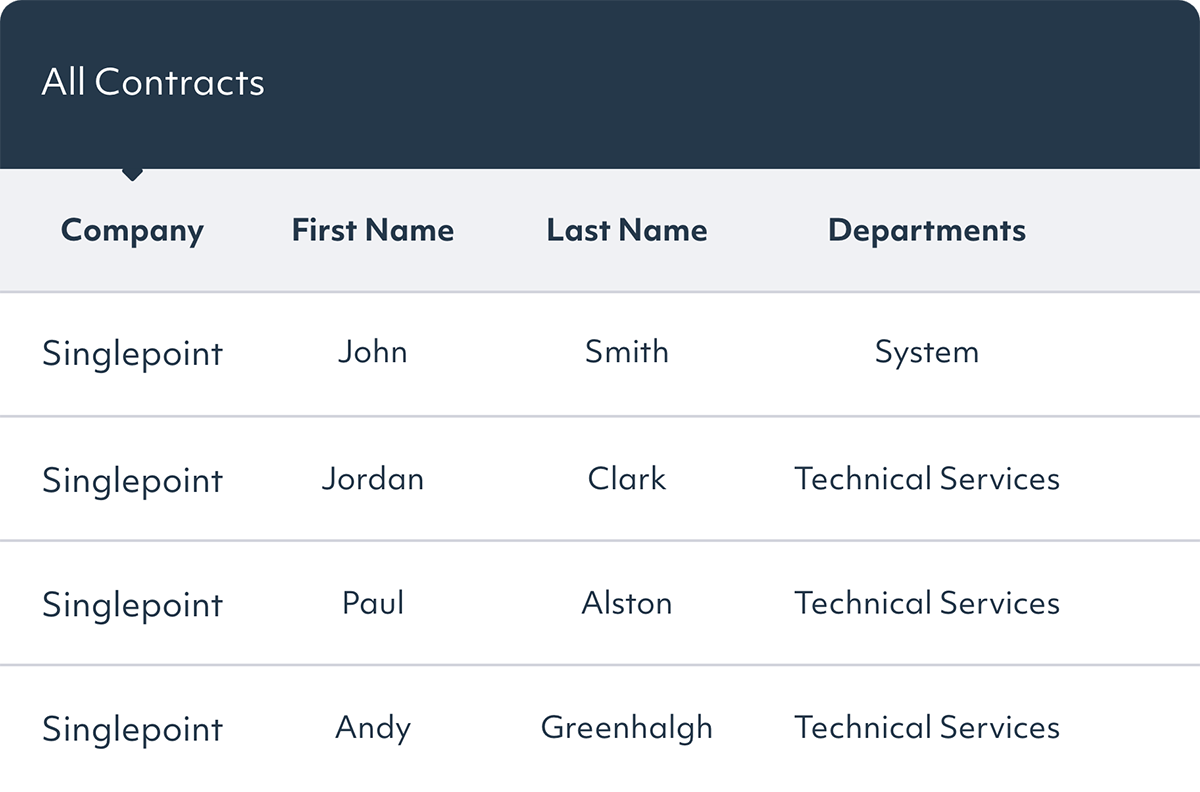
See your employees’ skills, qualifications, work areas, training events and records in one interlinked view. Singlepoint gives you a clear picture of training across your workforce, helping you plan requirements and quickly query information across individual employees or wider teams.


Identify outstanding training needs
Need to reassign staff, move employees between work areas or roll out new procedures? Singlepoint Training Management automatically flags outstanding or lapsed training needs, giving you immediate visibility of what needs to be completed. This helps you manage role changes with confidence that employees have the current training required for the work they’re being asked to do.
Keep employee records in one place
Each employee record includes separate data stores for skills, training requirements, measures, qualifications and documents. Outstanding, expired or lapsed training needs are automatically flagged, while the ability to query information across records makes it easier to understand current training and competency status

Strengthen workforce competency
Go beyond tracking completed training with a clearer view of the skills and knowledge your people need for their roles. Singlepoint helps you identify competency gaps in real time and verify employees' understanding of the operational documents they work with.
Real-time performance management
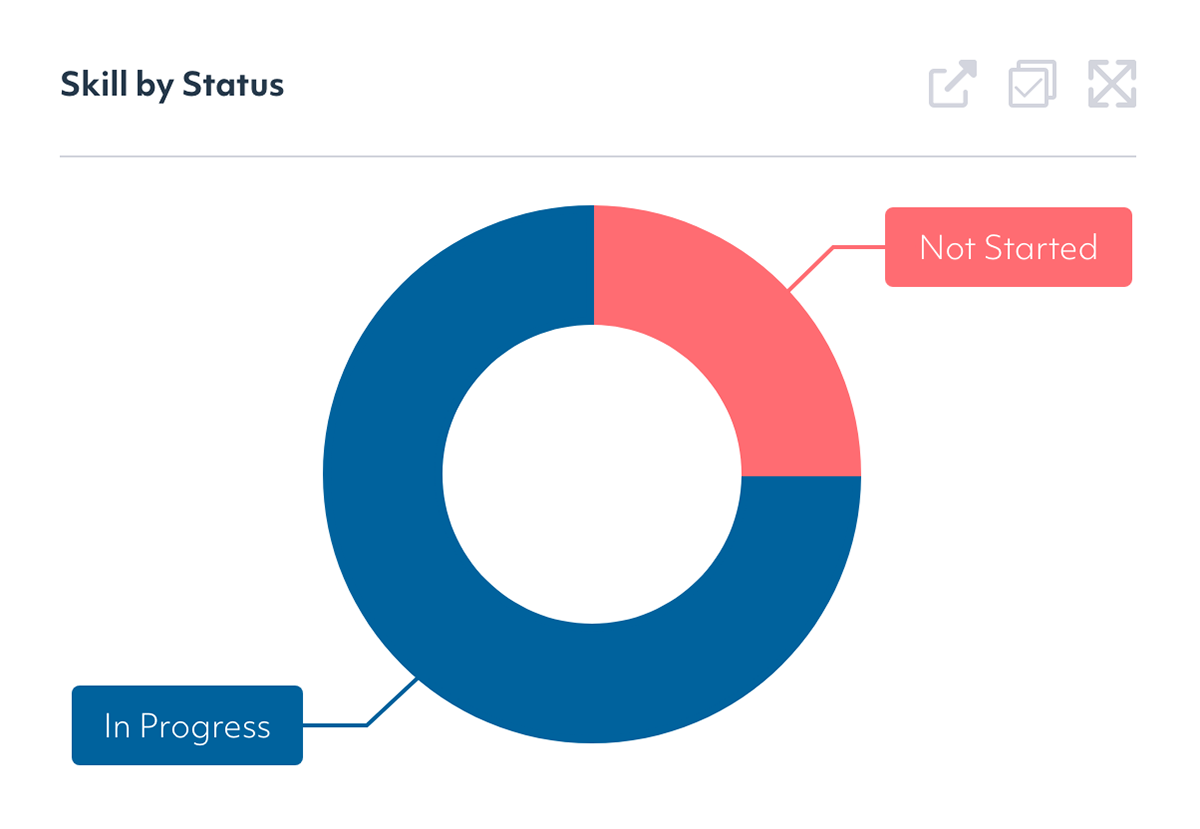
At any given moment, see a real-time view of every team member’s current training and skills status. Identify skills gaps and outstanding requirements early, giving you the information needed to take action before training needs become critical and support health, safety and compliance across your workforce.
Built-in competency checker
A significant part of your workforce’s training and knowledge depends on understanding key operational documents such as standard operating procedures (SOPs), work instructions and quality plans. Singlepoint’s built-in Competency Checker helps verify that employees have understood these documents rather than simply recording that they have read them.
Integrated with Singlepoint Document Management, Competency Checker maintains a comprehensive history of document competency tests on a per-document and per-user basis, providing traceable evidence of employee understanding.

Get our QMS fact sheet
Download our fact sheet to learn more about how Singlepoint’s quality management software can help you.
Our case studies
Horizons: From barely visible to ISO 9001 audit-ready
Horizons Incorporated had a document control system, but adoption never spread beyond the core quality team. At audit the answer was technically yes; in practice, most of the workforce did not know it existed. After evaluating six vendors, Horizons chose Singlepoint for its concurrent user licensing, visual navigation, and cross-module traceability. A back-end migration from Waypoint kept implementation to weeks, not months. The result: whole-workforce access without per-seat cost, a complete corrective action audit trail, and a first surveillance audit that impressed an examiner the team had never met. Adoption itself now serves as a live quality signal.
Doncasters Trucast: Strengthening NPI & Audit Governance
Doncasters Trucast, a recognised leader in precision investment castings and turbine components, needed to strengthen governance and traceability within its New Product Introduction process. Operating in highly regulated mobility and aerospace-related markets, the business required a more structured, auditable and scalable approach to gated project management. By implementing Singlepoint’s configurable NPI module, Doncasters Trucast introduced electronic gate approvals aligned to regulatory standards, improving visibility, accountability and compliance. The result has been sustained zero audit findings related to NPI for over three years, alongside reduced administrative burden and improved real-time insight for engineering, quality and customer-facing teams.
FMP: Delivering 4,000 Hours of Efficiency Gains
FMP, one of the UK’s leading manufacturers of medical devices and healthcare products, needed to replace its manual, paper-based processes with a more efficient, compliant system. After evaluating 15 platforms across two review cycles, Singlepoint stood out as the clear leader for its flexibility, scalability and ease of use. By implementing Singlepoint’s document management and training modules, FMP achieved measurable time savings of 4,000 hours per year and significantly improved audit readiness.
Faltec: ERP Integration and Audit Efficiency
Faltec Europe streamlined operations and enhanced compliance by replacing outdated systems with Singlepoint. Discover how seamless ERP integration and centralised document management transformed their digital workflow.
UTAC: Driving Quality and Efficiency with Integrated Quality Management
UTAC UK, a leading provider of powertrain and engine testing services, faced challenges with outdated paper-based quality management processes. Senior Manager Peter Davies sought a modern, integrated solution to streamline operations across multiple sites. By implementing Singlepoint’s adaptable platform, UTAC UK digitised their entire quality management system, including document control, auditing and risk management
HiiROC: Streamlining Quality Management for Rapid Business Growth
“My rule of thumb is if my boss can find what they are looking for quickly, then the system works. With Singlepoint, anyone can now find documents in a few clicks. It has made things very easy for everyone” Keith Renouf, Head of HSEQ.
Amcor: Document Management
“Singlepoint is a very good system for control of documentation. You have everything on the system and it’s user-friendly. Everybody in the company can use it.” – Irene, Quality Systems Manager
Mentholatum: audit-ready under FDA scrutiny
The Mentholatum Company, a US OTC and consumer health manufacturer regulated under cGMP and 21 CFR Part 11, was managing quality documentation on local servers and network drives, with no single system of record, no reliable audit trail, and real exposure to ransomware. After a recommendation from its UK affiliate, Mentholatum deployed Singlepoint for document control across its Orchard Park and Horsham sites. A 2026 cloud migration removed dedicated server hosting and saved over $18,000 a year, while delivering 24/7 access for a three-shift operation. Every operator can now pull up a current, controlled SOP the moment an auditor asks.

Hitachi Rail: Multi-site implementation
Hitachi Rail Europe, Ltd. is a wholly owned subsidiary of Hitachi, Ltd. and a total railway system supplier offering rolling stock, traction equipment, signalling, traffic management systems and maintenance centres.

Gates Power Systems: Visual Navigator
Gates Power Systems enhanced their document management with Singlepoint’s Visual Navigator, linking ‘hotspots’ to manufacturing equipment images for precise document access.
FAQs
What is the difference between a Training Management System (TMS) and a Learning Management System (LMS)?
A Training Management System (TMS) focuses on managing training requirements, records, skills, qualifications and workforce competency, while a Learning Management System (LMS) is primarily used to deliver and track learning content. Manufacturers may need capabilities from both, particularly where learning needs to be connected with role requirements, competency and compliance records.
Why is Competency Checker an important part of Singlepoint Training Management?
Singlepoint Competency Checker helps verify employee understanding of key operational documents such as SOPs, work instructions and quality plans. Rather than simply recording that a document has been read, it allows understanding to be tested and maintains a history of competency tests by user and document. This provides stronger evidence of workforce competency and supports quality and compliance requirements.
What types of training can Singlepoint Training Management track?
Singlepoint Training Management can track a range of workforce training requirements, including health and safety, quality, environmental, technical, operational and role-specific training. It can also maintain information about skills, qualifications and competency, giving managers a broader view of whether employees meet the requirements of their roles.
Can Singlepoint Training Management track refresher training and expiring qualifications?
Singlepoint Training Management can flag outstanding, expired or lapsed training requirements, helping managers identify where action is needed. Training requirements and qualification information are maintained against individual employees, providing visibility of current status and helping teams stay on top of recurring training and competency needs.
How does training management software support ISO 9001:2015 clause 7.2 requirements for competence?
Training management software can support ISO 9001:2015 clause 7.2 by maintaining records of employee skills, qualifications, training and competency. Singlepoint Training Management includes a built-in Competency Checker that helps verify employee understanding of relevant controlled documents. Together, these records help organizations demonstrate how workforce competence is managed and provide accessible supporting evidence during an audit.
How can a Training Management System manage different training requirements across roles and locations?
A Training Management System can help manage different requirements by maintaining training, skills and qualification information against individual employees and their roles. Singlepoint provides visibility of outstanding and lapsed requirements, which is particularly useful when employees change roles or move between work areas. Managers can query records across the workforce to understand current training and competency status across different teams and locations.