
APQP Management.
Manage Advanced Product Quality Planning (APQP) with Singlepoint APQP. Replace manual spreadsheets with connected, data-driven processes that help maintain product and process quality, traceability and control through to product launch.
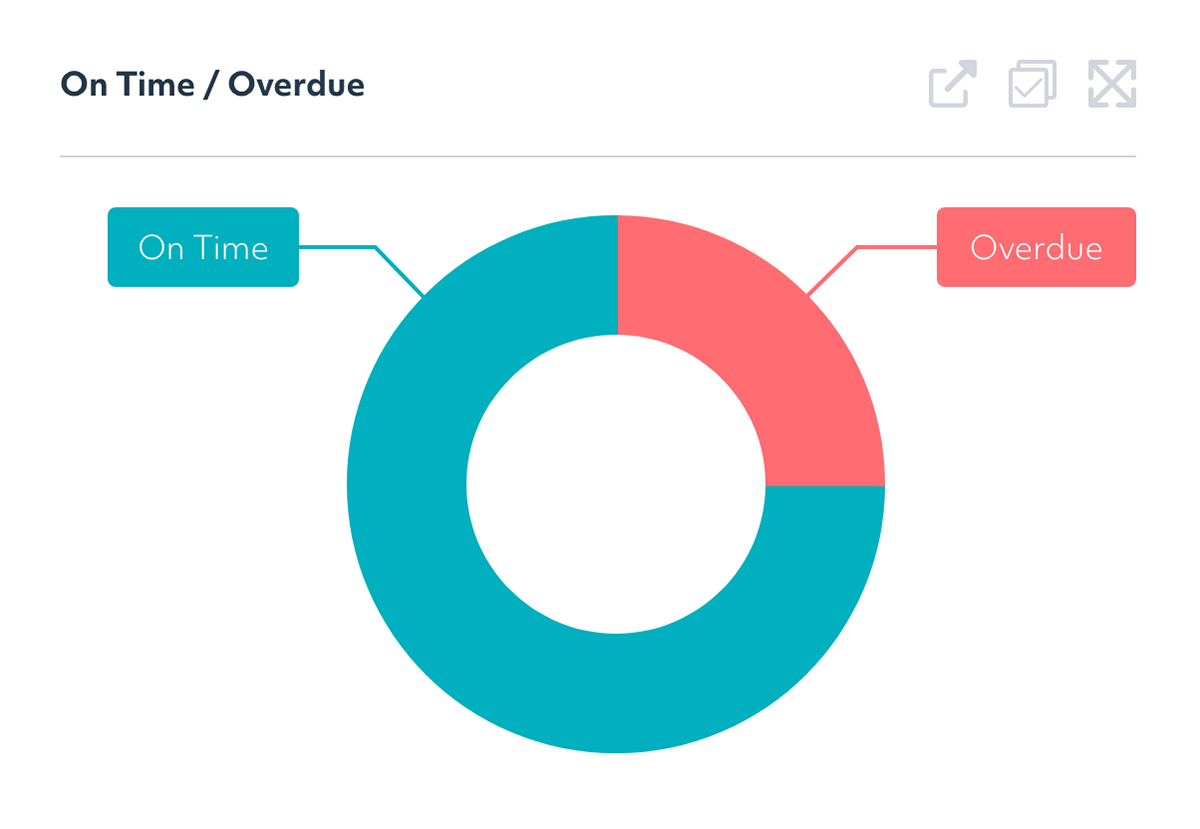
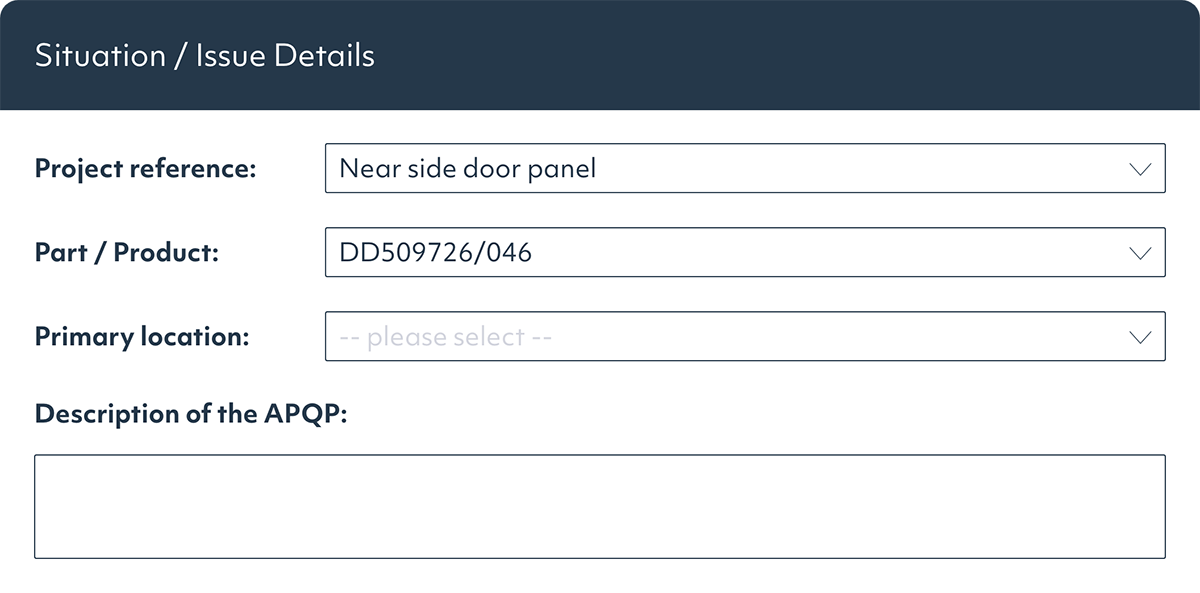
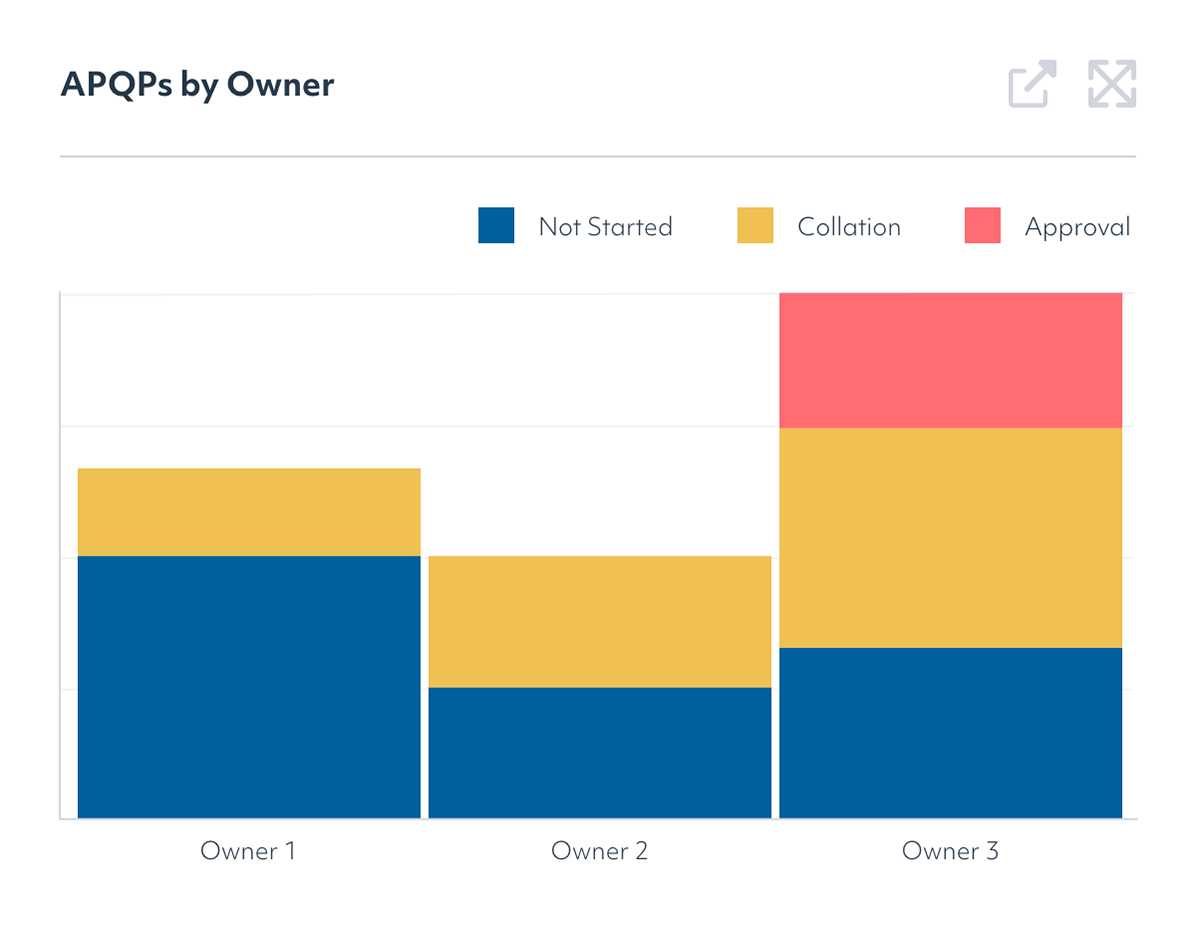
Streamline APQP management
APQP is often a customer-mandated process and can quickly become a burden if your organization manages and executes it manually. Singlepoint APQP helps you stay on top of the process and realize the benefits of structured product and process quality planning.
Ensure accurate and consistent data
Singlepoint APQP manages data and documents in its database, allowing information to be reused across the APQP process. This reduces duplicate data entry and helps keep information accurate and consistent across related documents and references..


Cross-functional yet secure team collaboration
Organizations can manage permissions and user access, allowing multiple users to view information securely while still supporting cross-functional collaboration.
Save time vs. manual spreadsheets
The ability to reuse work and data is central to Singlepoint APQP. The Process Library is pre-populated with the various references required across Control Plans and Process Failure Mode and Effects Analysis (PFMEA), ready for you to select as Singlepoint builds your documents and project.

Connected APQP data
Singlepoint runs on smart, data-driven documents that know their own content and interrelate with other documents across the suite, including:
Process library
Singlepoint APQP includes a Process Library with the references required for Control Plans, PFMEA and the Characteristics List. Select the processes you need and Singlepoint builds the documents and project pack for you. You can also easily import existing data from Excel.
Centralized data management
Data is managed centrally throughout Singlepoint. If you change a reference in the Characteristics List, for example, the change is automatically propagated throughout the project. This includes an approval process and complete audit trail, integrated with Singlepoint's Document Management System (DMS).
Get our QMS fact sheet
Download our fact sheet to learn more about how Singlepoint’s quality management software can help you.
Our case studies

CooperVision: Transforming a manual complaint process
Discover how CooperVision transformed its customer complaint handling from a cumbersome manual ordeal into a dynamic, automated system with the integration of Singlepoint, boosting efficiency and visibility across the board.
KRG: Reduced costs and improved reporting with Singlepoint
As one of the UK’s top precision engineering firms, KRG Engineering faced steep administration costs that threatened its operational efficiency. Enter Singlepoint QMS, which, with its suite of advanced modules, transformed the firm’s approach.
NGF: A decade of support
NGF Europe Ltd are one of the world’s largest manufacturers of glass and glazing products for architectural, automotive and established creative technology markets.

Acdopro: Document Control, Issue, Calibration & Visual Navigator
Acdopro have been using Singlepoint since May 2020. They specialise in the manufacture of laundry products exported to over 75 countries, under well-known trademarks such as Dr. Beckmann, Glo white, Stain Devils and ACDO.
FAQs
What does APQP stand for, and what is its purpose in automotive and regulated manufacturing?
APQP stands for Advanced Product Quality Planning. It provides a structured approach to product and process development, helping ensure quality requirements are met before production begins.
What are the five phases of APQP, and what quality deliverables are expected at each phase?
The five phases cover planning, product design, process design, validation and production feedback. Each phase includes specific deliverables such as risk assessments, control plans, validation records and quality approvals.
What is the difference between APQP and Production Part Approval Process (PPAP), and how do they work together in an automotive product launch?
APQP manages the planning and development process, while PPAP provides evidence that production requirements have been met. PPAP is typically the final output of a successful APQP program.
How does Singlepoint APQP software connect to PPAP, New Product Introduction (NPI), and quality management modules for end-to-end product launch quality control?
Singlepoint APQP links planning activities with PPAP, NPI, risk management and quality processes. This provides visibility and traceability throughout the entire product launch lifecycle.
How does APQP software support IATF 16949:2016 requirements for product and process quality planning?
It helps manage project milestones, risks, approvals and required deliverables within a structured framework. This supports consistent quality planning and compliance with IATF 16949 requirements.
We supply components to a Tier 1 automotive customer who requires a documented APQP process for all new part numbers. What does APQP software do to help manage this across multiple customer programs simultaneously?
It standardizes APQP workflows, tracks deliverables and provides visibility across projects. This helps teams manage multiple programs consistently while maintaining compliance with customer requirements.